Open once online before field use. Install from the app, then reopen it to finish any waiting backups.
Borehole and coring records
Borehole & Core Run Quick-Logger
Log drilling advancement, core recovery, geological intervals, SPT drives, samples, water observations and original field photos. Review TCR, SCR, RQD and SPT results from the same saved records.
Open once online and install from Backup & Sync. Project access is assigned by an administrator. Draft drill logs require qualified review before engineering use.
HydroGeo Innovations
Philippine Stratigraphy Atlas
Explore stratigraphic columns and geological references. Enter coordinates or import a KML/KMZ feature to review intersected geology, soils, climate, municipalities and other reference layers.
Atlas access is temporarily restricted while email verification is prepared. Planned access: five free coordinate lookups, or ₱500 for 30 days with up to 30 lookups and paid report exports. Registration and payment are not yet available. Screening and research leads require qualified geological review.
HydroGeo Innovations product suite
Technical support from field readiness to review-ready output
Each tool is configured for an approved purpose, controlled inputs, reviewable outputs, and a visible professional boundary.
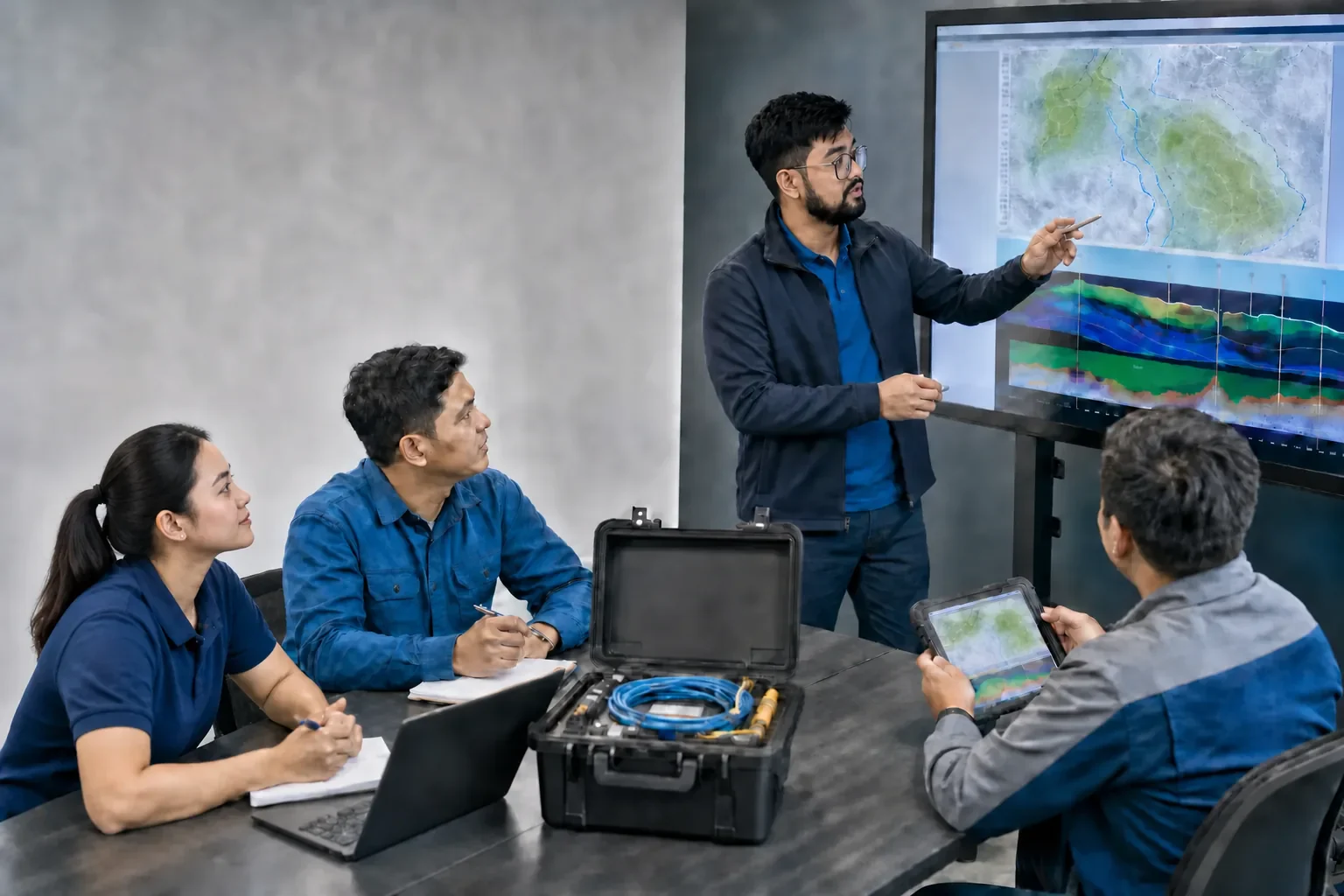
Knowledge transferIllustrative learning environment featuring HydroGeo personnel; no client or site identity is shown.
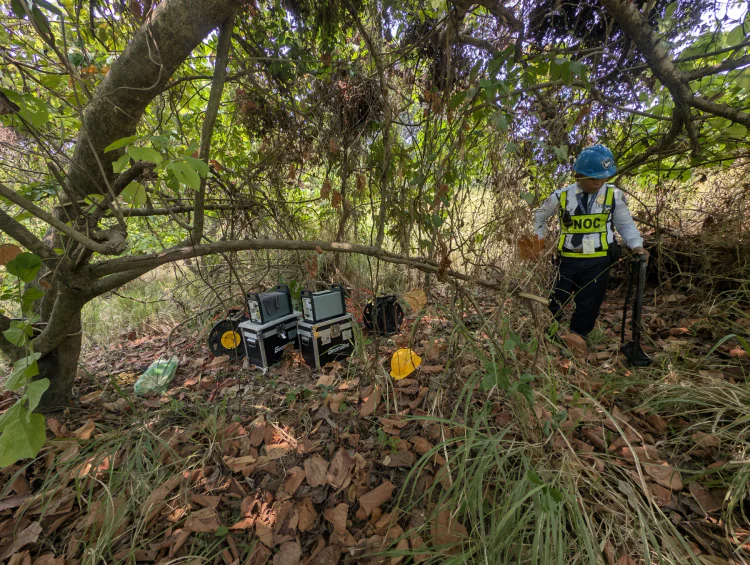
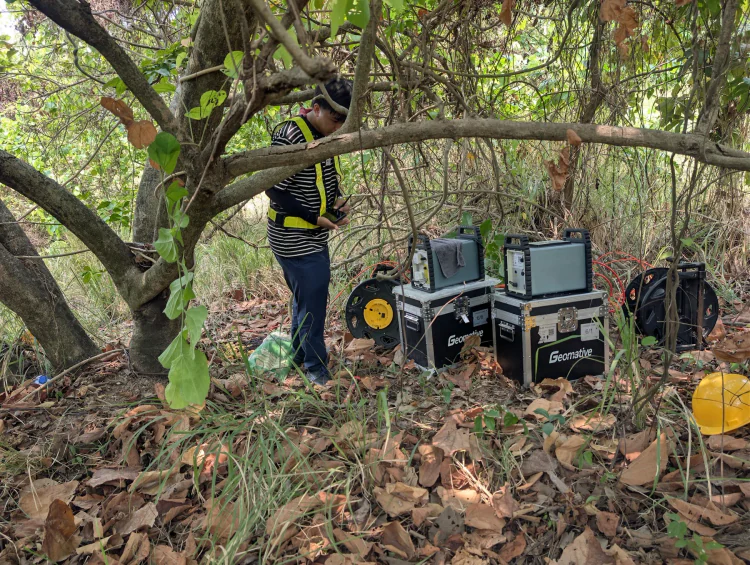
Field deploymentWorkflow context; no client or site identity is shown.Instrument readinessWorkflow context; no client or site identity is shown.
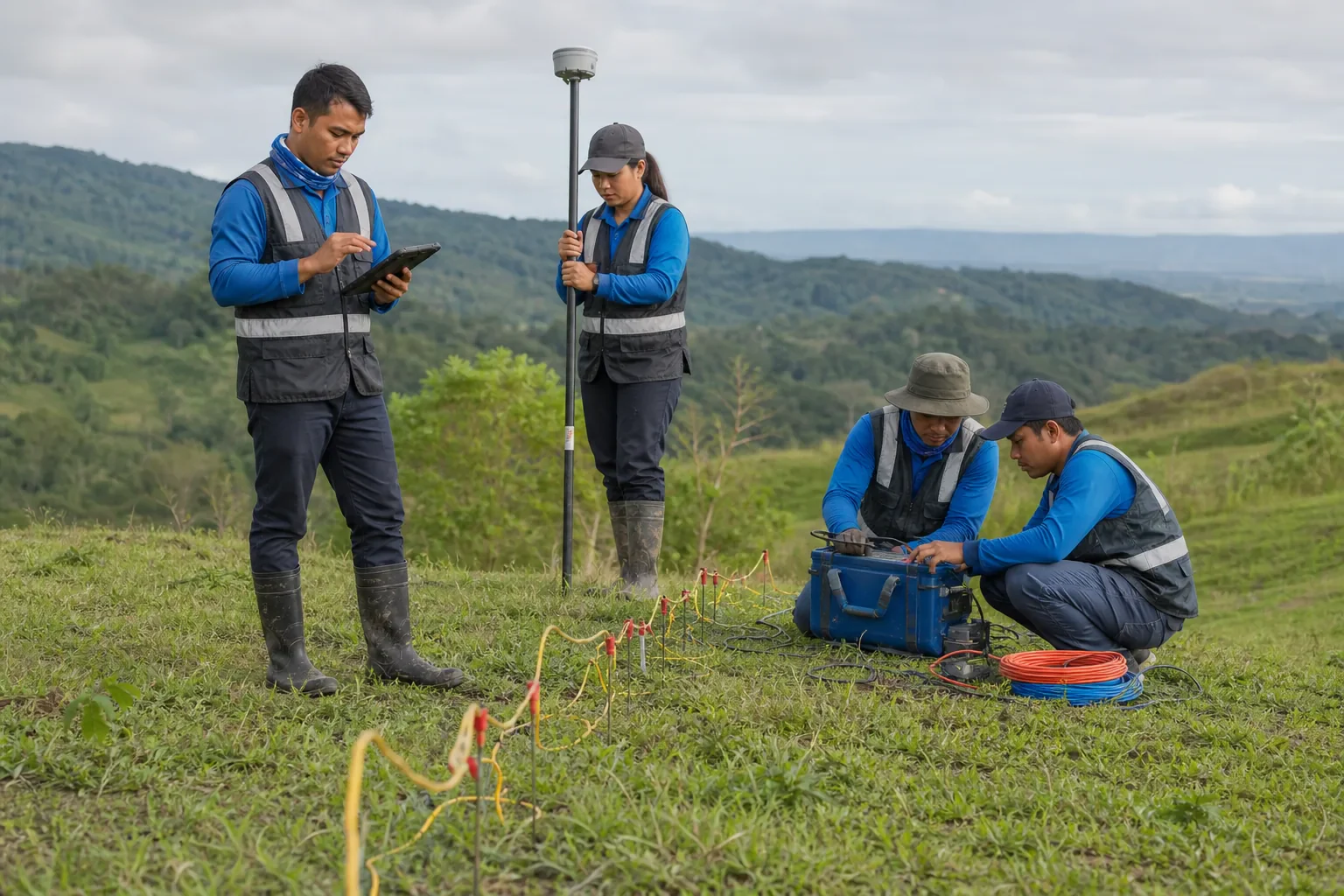
Integrated fieldworkIllustrative mapping and geophysical testing context; no client or site identity is shown.
01 / System
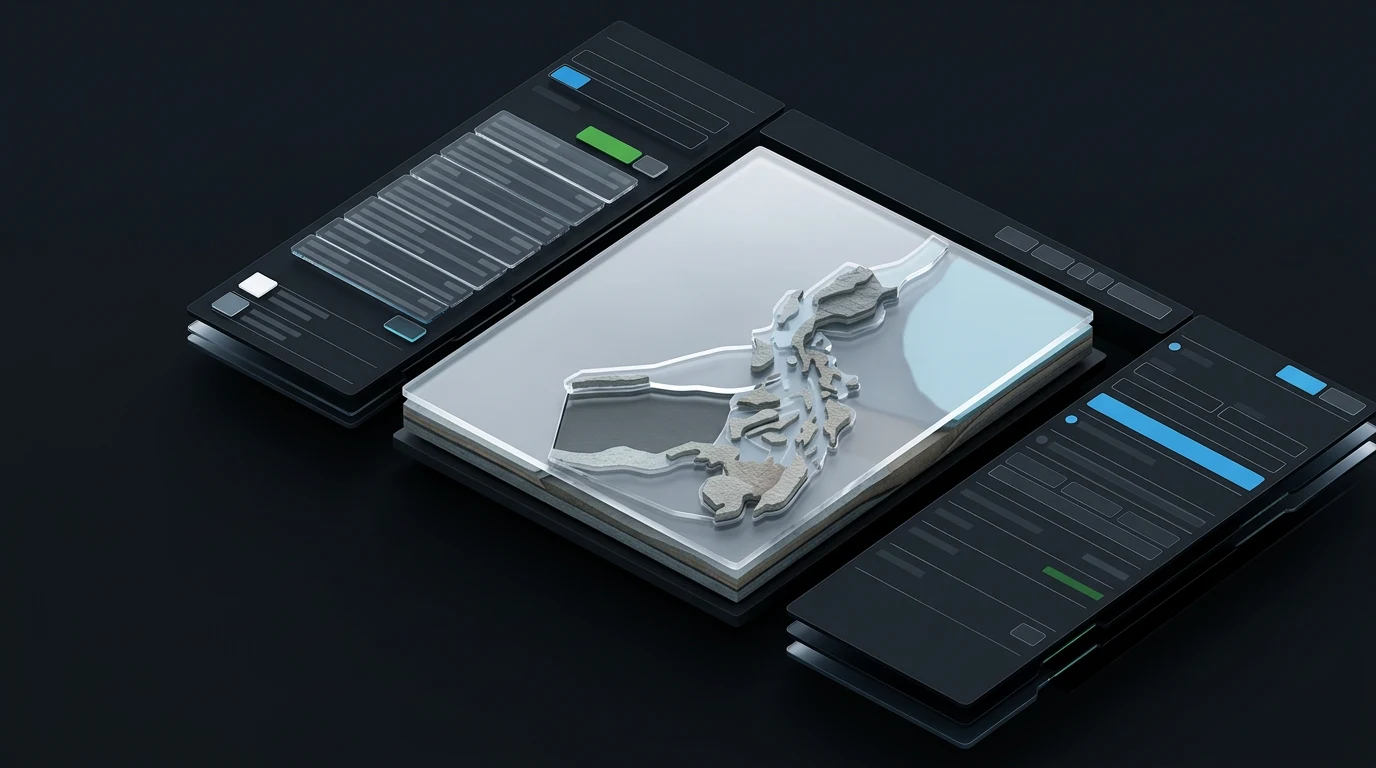
Technical workstations
Organise controlled review of field, laboratory, GIS, and geophysical information.
Inputs, outputs and current boundary
Inputs
Project records, observations, survey data, and approved analysis settings.
Outputs
Traceable review views, QA prompts, and project-ready technical material.
Current status
Configured for scoped project workflows.
Limitation
Supports professional review; it does not replace qualified interpretation or project approvals.
02 / System
Decision dashboards
Make evidence, status, risk context, and next actions easier to review together.
Inputs, outputs and current boundary
Inputs
Verified project registers, maps, observations, and review states.
Outputs
Readable status views and discussion-ready decision context.
Current status
Developed and configured to suit the project need.
Limitation
Dashboard signals depend on the data supplied and the review process applied to them.
03 / System
Reporting and visualization systems
Prepare clear, controlled technical figures, registers, and report-ready outputs.
Inputs, outputs and current boundary
Inputs
Approved data, methods, quality notes, and project templates.
Outputs
Structured figures, tables, and handover material for technical review.
Current status
Applied as part of scoped technical delivery.
Limitation
Outputs remain subject to checking, project requirements, and qualified sign-off where required.
HydroGeo Innovations tools support professional interpretation and do not replace qualified review, site-specific investigation, or required approvals.